What a webhook actually is
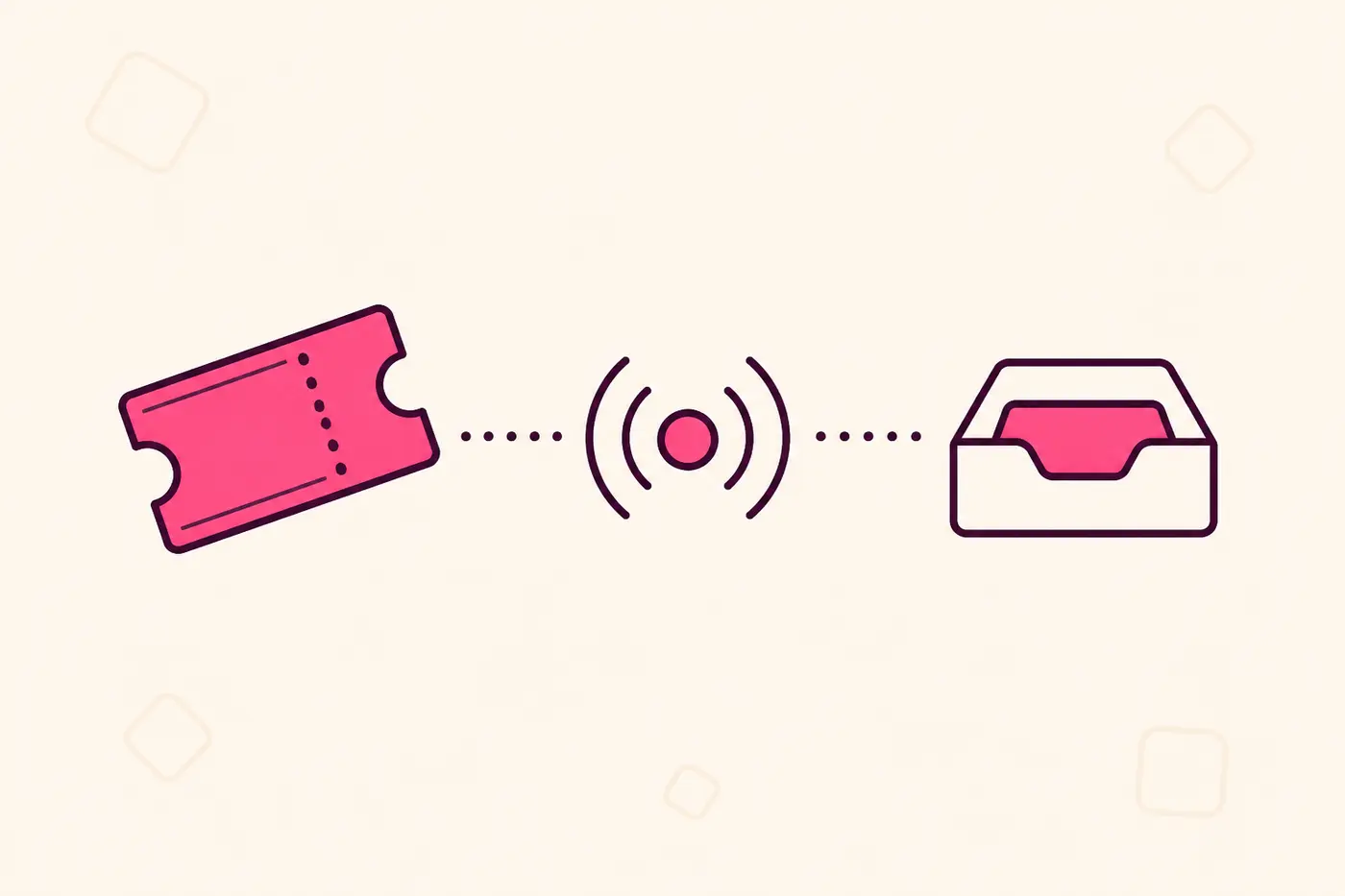
A webhook is the opposite of an API call. Instead of your system asking SPION "anything new?" every few minutes, you give SPION a URL once, and SPION calls you the instant something happens — a ticket is sold, cancelled, or refunded. No polling, no delay, no wasted requests checking for nothing.
If you've connected a SPION event to Zapier, Make, a CRM, or your own backend before, this is the same idea — just built directly into SPION rather than bolted on through a third-party automation tool.
What you can sync
Right now, SPION can notify your endpoint for three events, per ticket:
- Purchase — a new ticket is sold.
- Cancellation — a ticket is cancelled.
- Refund — a ticket is refunded, full or partial.
Each delivery carries the attendee's name and email, their ticket type, the event, and the order amount — everything most CRMs, spreadsheets, or internal dashboards need to stay in sync with your SPION sales in real time, without you touching an export button.
Setting one up
From your event dashboard, open the Webhooks tab. Add an endpoint URL — this needs to be a real HTTPS URL your own server can receive a `POST` request on. Pick which of the three events should trigger it, save, and you're done. You can add up to 10 endpoints per account, so it's easy to point different events at different systems (a test endpoint while you build, a production one once you're ready) without replacing one with another.
Every endpoint gets its own signing secret, shown once when you create it. You'll need that secret in your code to verify deliveries — see below.
How deliveries are secured
Every webhook delivery is signed with HMAC-SHA256 using your endpoint's own secret, sent in a request header. Your server should recompute that signature from the raw request body and compare it against the header before trusting the payload — the same pattern Stripe and most mature APIs use. This stops anyone who doesn't have your secret from forging a fake "ticket sold" event against your system.
SPION also checks the URL you give it to rule out requests aimed at internal/private network addresses, so a webhook endpoint can't be used to probe your own infrastructure from inside SPION's servers.
What happens when a delivery fails
If your server is briefly down or returns an error, SPION retries the delivery automatically — spread out over roughly 24 hours, up to 6 attempts — rather than giving up after one try or hammering you immediately. If every attempt fails, SPION disables that endpoint and emails you so it doesn't fail silently forever. You can re-enable it from the Webhooks tab once your system is back up, and every delivery (successful or not) is logged with its response, so you can see exactly what was sent and what came back.
What organizers actually build with this
The most common pattern: pipe new ticket sales straight into a CRM or mailing list tool, so a sales or community team sees new attendees the moment they register, without anyone exporting a CSV. Close behind that: a Slack or internal-dashboard ping on every sale for teams running a launch, and keeping an external attendance system or badge-printing queue in sync automatically as registrations and cancellations come in.
Webhooks are free on every SPION plan — there's no reason to wait for a bigger event to set one up.
Stop checking your dashboard for new sales
Point a webhook at your own system and get a signed, instant notification every time someone buys, cancels, or gets refunded a ticket. Free on every plan.
Create Your Event