Why this became standard so fast
QR check-in went from a nice-to-have to close to a baseline expectation in a few years — industry surveys put adoption among event professionals at roughly half, and the reason is simple: scanning a code is measured to be around four times faster than searching a name off a printed list, which matters enormously in the first 20 minutes of any event when everyone arrives at once.
But "we use QR codes" covers a huge range of actual quality — some systems handle a real rush at the door gracefully, and some fall over the moment the venue's WiFi gets congested. The difference usually comes down to three specific things.
The three things that actually matter
Whether you're evaluating a platform or just trying to understand why your last event's check-in was chaotic, judge it against these three criteria — they consistently come up as the real differentiators:
- Scan speed — how long between pointing a camera at a code and getting a clear valid/invalid result. Anything with a noticeable lag compounds badly once a queue forms.
- Offline mode — whether check-in still works when the venue's internet drops, which happens more often than anyone plans for, especially at large or outdoor venues.
- Data sync — once connectivity comes back, whether every scan that happened offline reconciles correctly, with no duplicate check-ins and no lost records.
Most complaints about QR check-in going wrong at a real event trace back to one of these three, not to QR codes themselves being unreliable.
Why offline mode is the one you can't compromise on
Venue WiFi and mobile data are exactly the things most likely to fail under the load of a few hundred phones connecting at once — which is precisely the moment your check-in system needs to keep working. A check-in flow that hard-depends on a live connection for every single scan is a single point of failure sitting right at your door on the one day you can't afford it.
Catching duplicates and fraud in real time
A unique code per attendee — not one shared code for a whole ticket type — is what makes duplicate detection possible at all. Screenshots get shared, forwarded, and reused; a system that can instantly flag "this code was already scanned 4 minutes ago" is the difference between catching that at the door and only noticing after the event that capacity was quietly oversold.
Always have a manual backup
Even the best system should have a fallback: searching by name or email, or marking someone in manually if their phone won't display the code (dead battery, deleted email, whatever the reason). QR check-in should be the fast path, not the only path — a system with no manual override turns one lost phone into a real problem at your entrance.
How SPION's check-in works
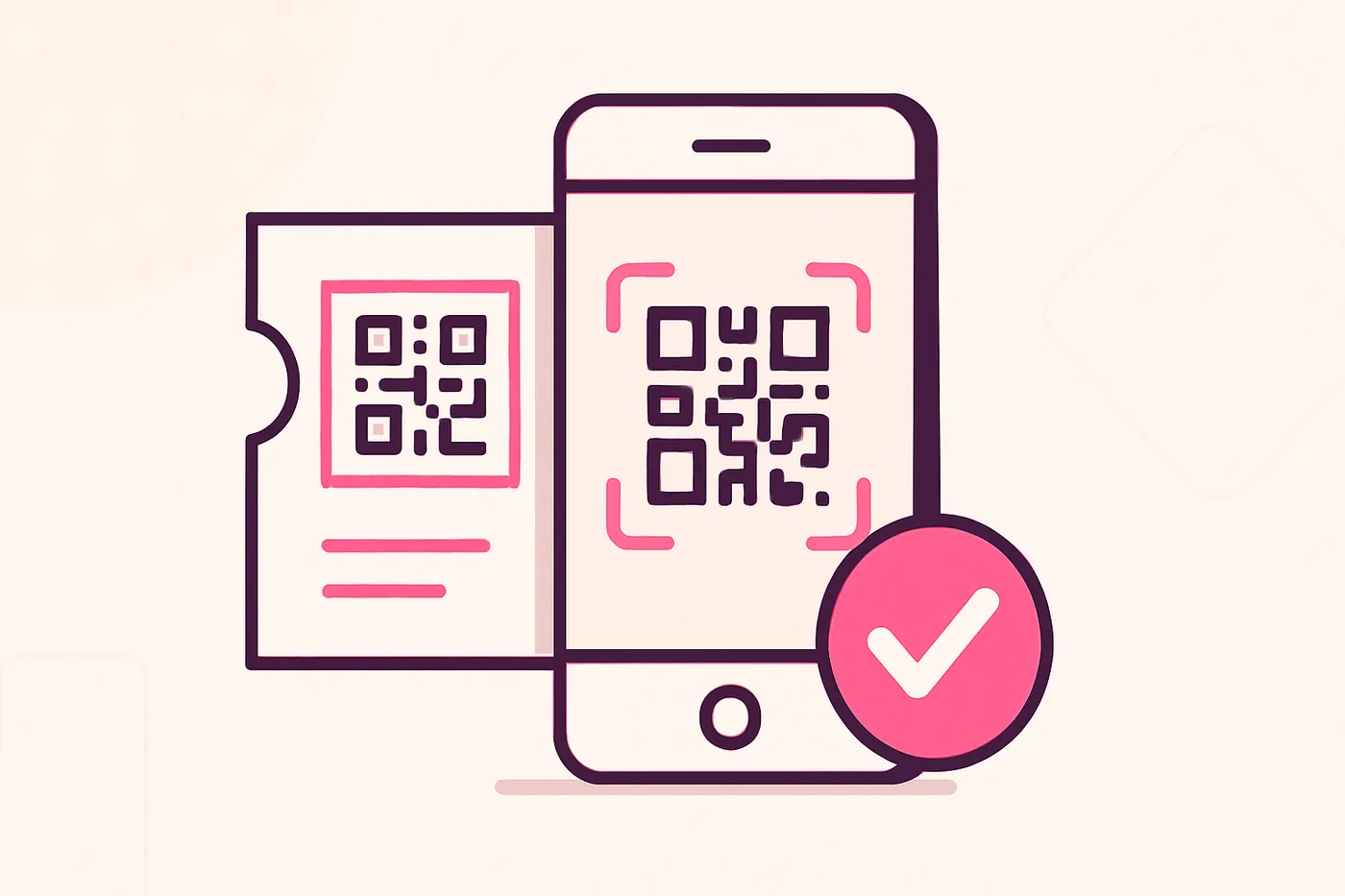
Every SPION ticket gets its own unique code — generated from a set of easy-to-read characters that deliberately excludes ones people commonly confuse with each other (0/O, 1/I/L) — alongside the QR itself, so an attendee can always be checked in by typing the code manually if scanning isn't an option. Your team can scan from the dashboard or a phone's browser, mark attendees in manually when needed, and the attendance dashboard updates in real time as people check in — with duplicate or already-used codes flagged automatically rather than silently accepted twice.
Every SPION ticket already has a unique QR code
No separate app to configure — scan from the dashboard or a phone camera, and duplicate or invalid tickets are flagged automatically.
Create Your Event