Publishing the page is step one, not the finish line
It's easy to treat "my event page is live" as the hard part being done. It isn't — a published page with no traffic sells exactly as many tickets as no page at all. The good news is that getting buyers doesn't require a marketing budget or a following; it requires actually using the handful of things that are already sitting on your dashboard the moment you publish. Most of what matters here isn't a paid ad or an influencer partnership — it's making sure the people who'd plausibly buy a ticket actually see the page exists.
Share the page itself, everywhere it matters
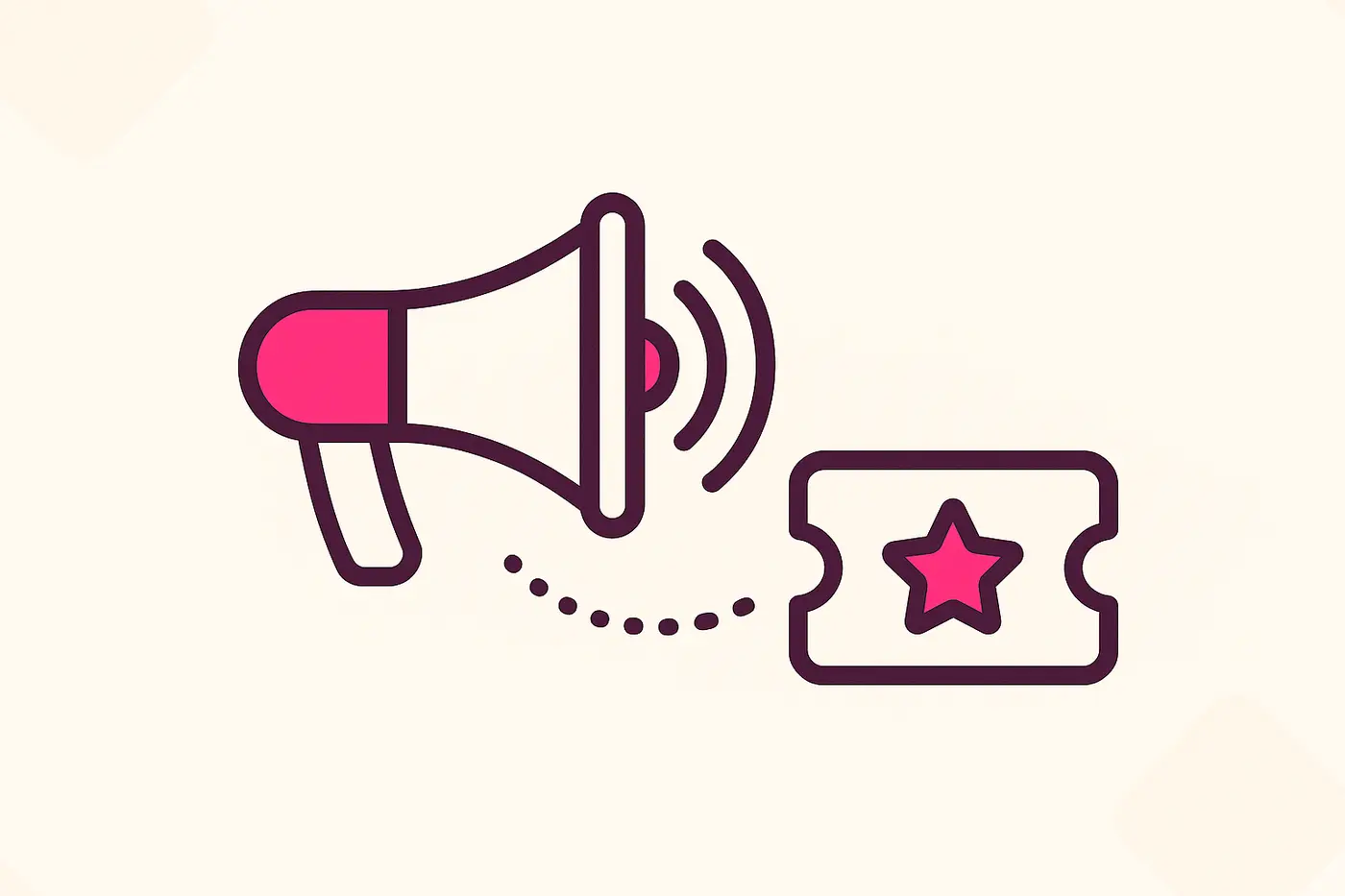
The single highest-leverage thing you can do costs nothing and takes thirty seconds: share the page link, directly, to the people most likely to care — not just once, but repeatedly, in the places those people actually are. Your event page has one-click share buttons built in for WhatsApp, LinkedIn, and X, plus a plain copy-link button for anywhere else — Instagram bio, a Discord server, an email you write yourself. It also offers an "add to calendar" file download, which matters more than it sounds: someone who adds your event to their calendar the moment they hear about it is far less likely to forget by the time it's actually happening. Don't post the link once and move on — a second share a week later, worded differently, reaches people who missed the first one entirely.
Get discovered, not just shared
Sharing only reaches people already in your network. For everyone else — people actively looking for something to do in your city, who've never heard of you — being discoverable matters just as much. Turning on "List in Directory" in Settings puts your event in SPION's public directory, searchable and filterable by city, which only works if your event's location data is actually clean: fill in the City field (not just a venue name buried in a longer address) so your event groups correctly under the right city instead of getting lost as an ungrouped one-off. This is a genuinely free discovery channel that costs you nothing but a correctly filled-in field.
Give people a reason to buy now, not later
A lot of ticket sales are lost not because someone decided not to come, but because they meant to buy later and later never arrived. Two tools counter this directly. An early-bird promo code — a limited-time or limited-quantity discount — gives genuinely interested people a concrete reason to buy this week instead of "eventually." And if you expect to sell out, a waitlist does the opposite job: it turns "sorry, we're full" into a captured, ready list of people who wanted in, instead of lost demand with no record it ever existed. Together, these cover both ends — converting hesitation into action before you're full, and capturing intent you'd otherwise lose once you are.
Your best audience already showed up once before
If this isn't your first event, you're sitting on an underused asset: the attendee list from your last one. People who already paid for and showed up to something you ran are dramatically more likely to buy a ticket to your next one than a cold audience is — they already trust you deliver. Go to that past event's Attendees tab, use Email Attendees, and tell that list about the new one directly. It's the same tool you'd use to send any attendee update, just pointed at your best-qualified audience instead of a cold channel.
Putting it together
None of this needs to happen all at once, and none of it needs a budget. In rough order of effort versus payoff: turn on directory listing and fill in the city field the moment you publish (one-time, near-zero effort), share the page to your own channels that same day, set up an early-bird promo code if you're more than a couple of weeks out, enable the waitlist regardless of whether you expect to need it, and email your past attendees as soon as you have a page worth sending them. Do all five and you've covered discovery, direct reach, urgency, and your warmest audience — without spending anything beyond the time it takes to click through your own dashboard.
Every tool mentioned here is already on your dashboard
Share links, directory listing, promo codes, waitlist, and bulk email to past attendees — nothing to install, nothing extra to set up.
Create Your Event